
Module 1: Introduction to Terraform on Azure
Overview
Welcome to the first module in our Azure Terraform Tutorial series. This guide lays the foundation for provisioning and managing infrastructure on Microsoft Azure using Terraform — the open-source Infrastructure as Code (IaC) tool from HashiCorp.
What Is Terraform?
Terraform is a declarative IaC tool that lets you define cloud infrastructure using code. It compares your desired state (written in HCL — HashiCorp Configuration Language) with the current state and generates a plan to reconcile the two.
Key benefits
- Declarative Infrastructure: You describe what you want, Terraform figures out how to build it.
- Lifecycle Management: From creation to teardown, Terraform handles it all.
- Multi-Cloud Support: Works across AWS, Azure, GCP, and more.
Why use Terraform with Azure?
Terraform’s Azure integration is powered by the robust azurerm provider. Here’s why it’s a great fit:
- Infrastructure as Code: Enables CI/CD, version control, and DevOps best practices.
- Repeatability: Define once, deploy many times — reliably and consistently.
- Provider Support: Azure’s Terraform provider is mature and well-documented.
- Unified Management: Avoid manual portal clicks — automate everything.
Installing Terraform CLI and Azure CLI
To get started, install both tools:
Terraform CLI
- Windows: Download from HashiCorp, extract, and add to PATH.
- Windows (Chocolatey):
choco install -y terraform
- macOS (Homebrew):
brew tap hashicorp/tap
brew install hashicorp/tap/terraform
- Linux (APT):
sudo apt update && sudo apt-get install terraform
Verify installation:
terraform --version
Azure CLI
Install via Microsoft Docs and verify:
az --version
Authenticating with Azure
Before Terraform can manage Azure resources, you need to authenticate.
- Option 1: Azure CLI Login (Local Dev)
az login
This opens a browser for sign-in and stores credentials locally.
- Option 2: Service Principal (CI/CD Recommended)
az ad sp create-for-rbac \
  --name "<SP_Name>" \
  --role "Contributor" \
  --scopes "/subscriptions/<Subscription_Id>"
Set environment variables:
export ARM_SUBSCRIPTION_ID=<subscription_id>
export ARM_CLIENT_ID=<appId>
export ARM_CLIENT_SECRET=<password>
export ARM_TENANT_ID=<tenant_id>
- Option 3: Managed Identity (Automation Friendly) Use system-assigned or user-assigned identities for secure, credential-free access in Azure-native services like DevOps or Container Instances.
Setting Up Your First Terraform Project
Terraform reads all .tf files in the working directory. Recommended structure:
/my-terraform-project
├── providers.tf       # Azure provider config
├── main.tf            # Resource definitions
├── variables.tf       # Input variables
├── outputs.tf         # Output values
Initialize the project:
terraform init
This downloads providers and sets up the backend (default: local terraform.tfstate).
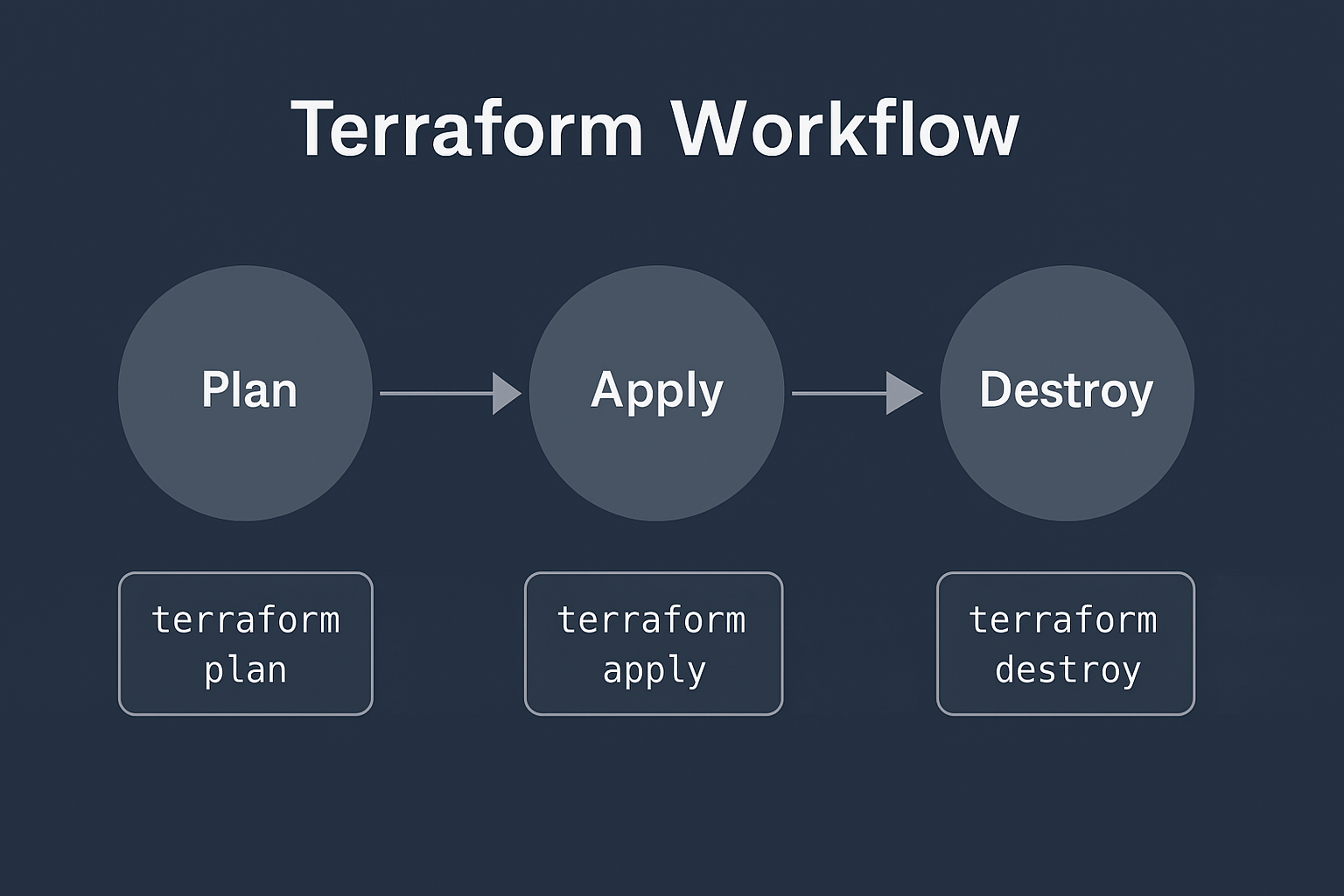
Core Terraform Workflow
- Plan:
Preview changes before applying.
terraform plan - Apply:
Deploy infrastructure.
terraform apply - Destroy:
Tear down resources.
terraform destroy